QUICK ANSWER
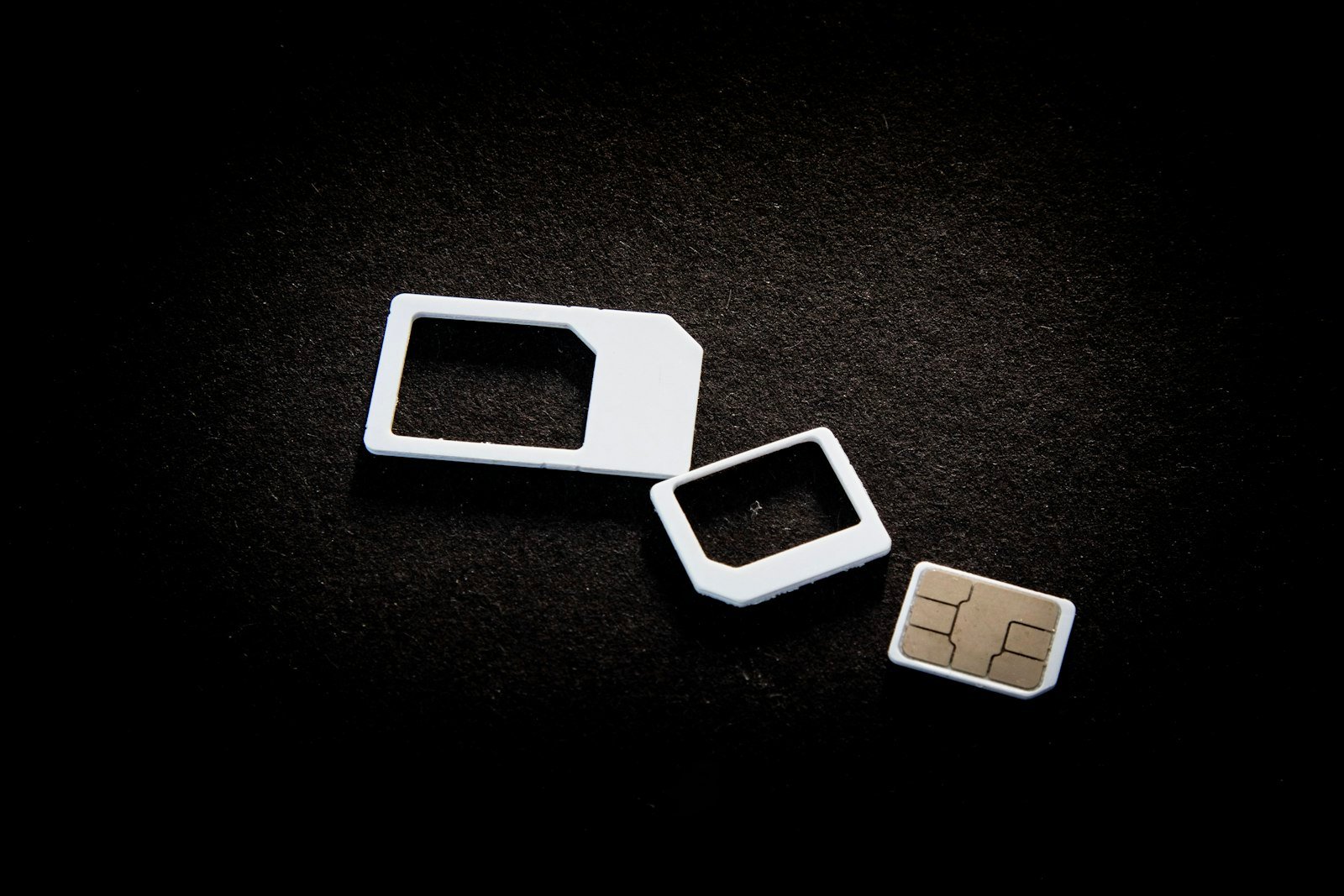
An eSIM is a SIM card built into your phone as a chip. Instead of inserting a plastic card, you download your mobile plan by scanning a QR code or using your carrier’s app. You can store several plans on one phone and switch between them in settings, which is especially handy for travel.
Searches for eSIM spike every time a new phone launches without a physical SIM tray, and whenever people plan international trips. If you have ever wondered what it is, whether your phone supports it, and how to move your number over, this guide covers it.
What an eSIM actually is
The “e” stands for embedded. A small chip is soldered onto your phone’s circuit board during manufacturing. It does the same job as a physical SIM card, identifying you to your mobile network, but it can be rewritten. Your carrier sends a digital profile to the chip, and that profile carries your number and plan.
Because the profile is digital, one eSIM chip can usually hold several profiles. Most phones let you keep multiple plans stored and use one or two at a time.
Physical SIM vs eSIM
| Physical SIM | eSIM | |
|---|---|---|
| How you get it | A card from a shop or by post | A QR code, app or carrier download |
| Switching carriers | Swap the card | Download a new profile |
| Multiple plans | One per card slot | Several stored on one phone |
| If your phone is lost | The card can be removed | Harder to remove; you block it with your carrier |
| Travel data plans | Buy a local card on arrival | Buy and install before you fly |
How to check if your phone supports eSIM
Most recent flagship and mid-range phones from major brands support eSIM, but not every model or every regional version does. To check:
- iPhone: go to Settings, then Mobile Data (or Cellular), and look for an option to add an eSIM.
- Android: go to Settings, then Network & Internet or Connections, then SIM manager, and look for an option to add an eSIM.
- Also check your carrier: your mobile operator must support eSIM too. Most large carriers do, but some prepaid plans do not.
How to switch to eSIM
1. Contact your carrier
Ask for an eSIM conversion through their app, website or a store. You may need to verify your identity, just as you would for a replacement SIM card.
2. Install the profile
Your carrier will give you a QR code or let you activate it inside their app. On your phone, choose to add an eSIM and scan the code. Stay on Wi-Fi while it installs.
3. Test before you remove anything
Make a call and check mobile data on the new eSIM before you throw away the old physical card. Some carriers deactivate the old card automatically once the eSIM is live.
Using eSIM for travel
This is where eSIM shines. You can buy a data-only plan for your destination before you leave, install it at home, and switch it on when you land. Your home number can stay active on the other line for calls and messages, though roaming charges may apply to it, so check your settings.
Things to watch out for
- Keep your QR code private until it is installed; anyone who scans it first may be able to use it.
- Changing phones means transferring the eSIM. Many phones offer a built-in transfer tool, otherwise ask your carrier for a new profile.
- If your phone is lost or stolen, contact your carrier immediately to block the line.
Frequently asked questions
Can I use an eSIM and a physical SIM together?
Yes, on most dual-SIM phones. Many people keep their main number on one and use the other for travel data or a work line.
Is eSIM safer than a physical SIM?
It removes the risk of someone simply pulling the card out of a stolen phone. You still need to protect your carrier account with a strong password, because the main risk is someone tricking a carrier into moving your number.
Does eSIM cost extra?
Many carriers convert to eSIM for free, but some charge the same fee as a replacement SIM. Check with yours.
Can I delete an eSIM by mistake?
Yes, and some carriers then require you to request a new profile. Only delete an eSIM if you are sure you no longer need that plan.
Sources
- GSMA: the mobile industry body that sets eSIM standards
- Apple Support and Android Help: official setup guides